 01
01Choose your vehicle.
Choose a vehicle on your dealership’s website and open Listing Assistant. Its available details, description and photos load automatically.
 BUILT FOR FACEBOOK MARKETPLACE
List your entire inventory on Facebook Marketplace.
Spend more time turning conversations into sales.
Turn your dealer’s vehicle pages into Marketplace listings without the repetitive work. Listing Assistant automatically brings over the vehicle details, description and photos, and fills the form for you. Choose. Check. Publish.
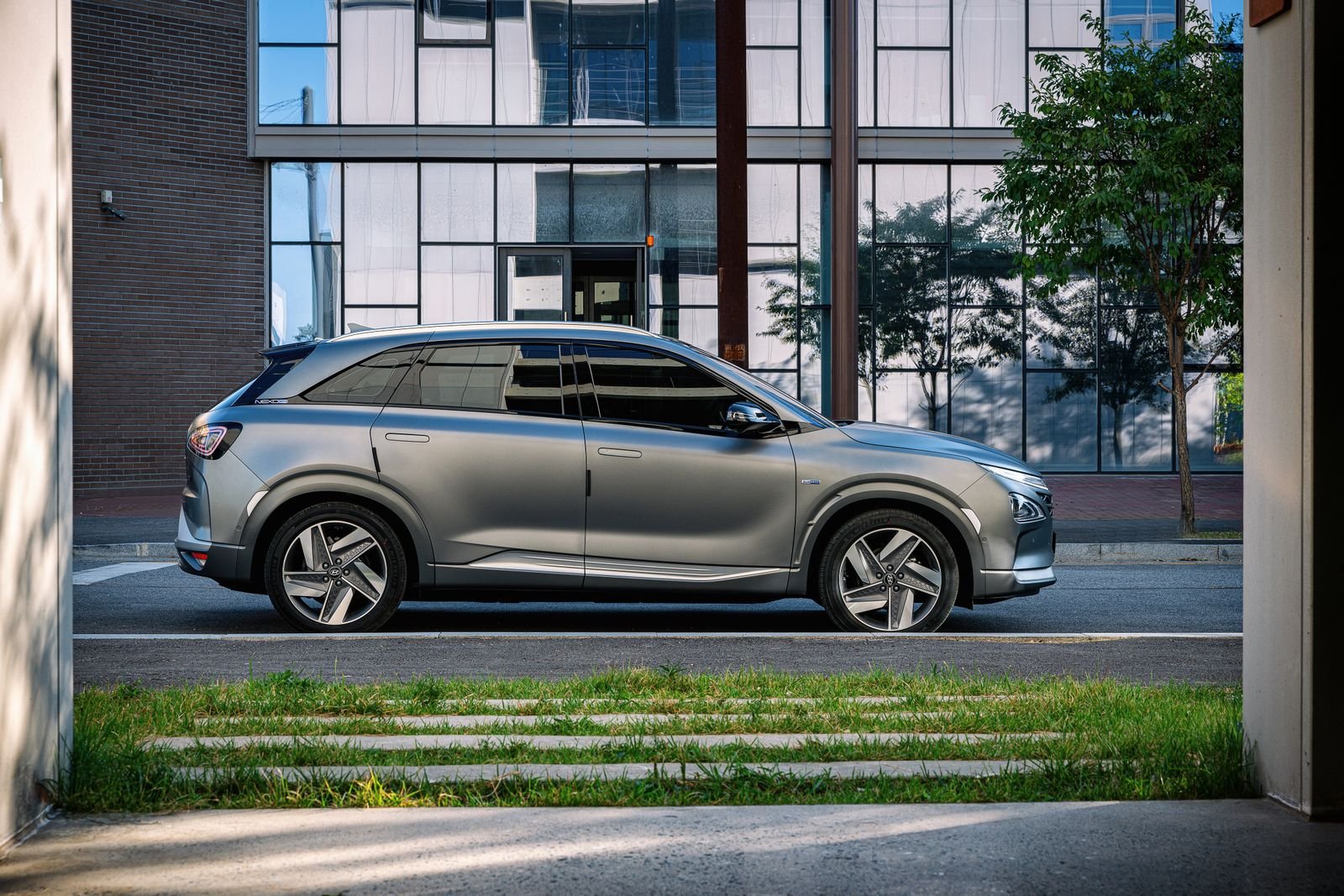 YOUR VEHICLE PHOTOS
Automatic · 42,500 km · AWD

Put your inventory in front of Marketplace buyers. Let your assistant handle the repetitive work.
Start with a vehicle you want to sell.
Details, description and photos load automatically.
Check your listing. Click Publish.
Your inventory is already online.
Put it to work on Facebook Marketplace.
01Choose a vehicle on your dealership’s website and open Listing Assistant. Its available details, description and photos load automatically.
 02
02Your vehicle information, description and photos are already brought together. Check the price, mileage and details, and adjust anything that needs a finishing touch.
 03
03Listing Assistant fills the Marketplace form and uploads your photos automatically. Check your listing, then click Publish.
Choose a vehicle. Check the details. Publish with less work.
Choose a vehicle from your dealer’s website. Listing Assistant automatically brings in the available details, description and photos.
VEHICLE DETAIL PAGE42,500 km · Automatic · AWD
Check the details. Add a finishing touch if needed.
The repetitive work is done. Check your listing and click Publish.

Make Facebook Marketplace part of your inventory’s sales strategy. Listing Assistant brings over the details, description and photos automatically, so you can spend less time building listings and more time working with buyers.

For the salesperson building their own Marketplace presence—even in a dealership with hundreds of vehicles.
Bring your dealership’s inventory to your own Marketplace sales workflow. Get started with a Listing Assistant subscription and the vehicle pages you already use.
WORKS IN YOUR OWN CHROME SESSIONVehicle details and the existing description come straight from the source page. The assistant fills the Marketplace form, saving you the repetitive copy-and-paste.

Vehicle photos load from the source page and upload to the Marketplace form automatically. Your images travel with your listing.

Turn listing preparation into a quick review. Check the details, click Publish and put your attention back where it belongs: on your buyers.
Your dealership’s website has the content. Listing Assistant puts it to work, filling vehicle details, bringing over the description and uploading photos in your existing Facebook session.
Use the same simple workflow across your inventory. Spend your time checking listings and talking to buyers instead of rebuilding every ad from scratch.
Read the account-safety FAQWhat sales professionals usually want to know.
Request your free trialYes. Marketplace Listing Assistant is a standalone subscription for individual vehicle sellers. Start with a 14-day free trial and use your dealership’s existing vehicle pages. Your dealership does not need to change its software. You need permission to use its inventory information and photos.
It is designed to read common vehicle-page formats, including structured data and visible page content. Coverage depends on how your website presents each vehicle. Missing or uncertain fields need your review. We recommend checking a real vehicle page from your dealership when requesting your free trial before relying on it.
Yes. Use the same workflow for the vehicles across your dealership’s inventory: choose a vehicle page, check the imported information and publish in Facebook. Details, the existing description and available photos are imported automatically; you review each listing and complete Facebook’s publishing steps. Each vehicle starts with your selection. This is an assisted workflow, not an unattended bulk publisher, and Facebook’s account and listing limits still apply.
Yes. Filling a form with software is automated activity, even if you publish manually. Meta can limit Marketplace access, request verification or restrict an account. Manual review and pacing do not eliminate this risk, and we cannot promise account safety. Use only authorized inventory, follow Meta’s rules and stop if Facebook presents a warning or verification challenge.
No. The extension works in your existing signed-in Chrome session. It does not ask you to send us your Facebook password or store Facebook credentials. Use it only on vehicle pages you are authorized to access.
Listing details and photos are handled temporarily for the current preparation workflow, rather than saved as full listings or photo files in extension storage. A license service checks access. If certain vehicle specifications are missing, a VIN published on the source page may be sent to NHTSA’s public decoder; it is not passed into the Facebook listing. Photo sources on other domains require a specific permission request.
The current product is built for desktop Chrome. Facebook vehicle forms are supported in English and Spanish; other form languages stop safely. The extension interface is in English. The current review panel uses Canadian dollars and kilometres, so confirm that this matches your market when requesting your free trial.
Yes. Request a 14-day free trial to try Marketplace Listing Assistant with your dealership’s inventory. Use the short request form or email info@autoflowca.com. We’ll follow up by email to check your setup and share activation instructions. Your trial starts after activation. Continued access is available with a paid subscription.
No. Marketplace Listing Assistant is an independent product by DealerAutomation. It is not affiliated with, endorsed by or sponsored by Meta or Facebook. Facebook and Marketplace names identify the platform the assistant helps you use.
Start your 14-day free trial. Bring your inventory to Facebook Marketplace with automatic details, descriptions and photos—and more time to sell.
 14 DAYS TO TRY YOUR NEW WORKFLOW
Tell us where you work. We’ll help check your setup and send the next steps by email.
Prefer email? info@autoflowca.com